Code sharing is a fundamental challenge in modern software development. As engineering teams grow, they rarely build every component from scratch. Applications often depend on shared libraries, internal tools, reusable UI components, infrastructure modules, and common business logic.
The challenge is deciding how to organize and distribute shared code.
Teams commonly choose between several approaches:
- Git subtrees for embedding shared code directly into repositories
- Package managers for distributing reusable components through versioned dependencies
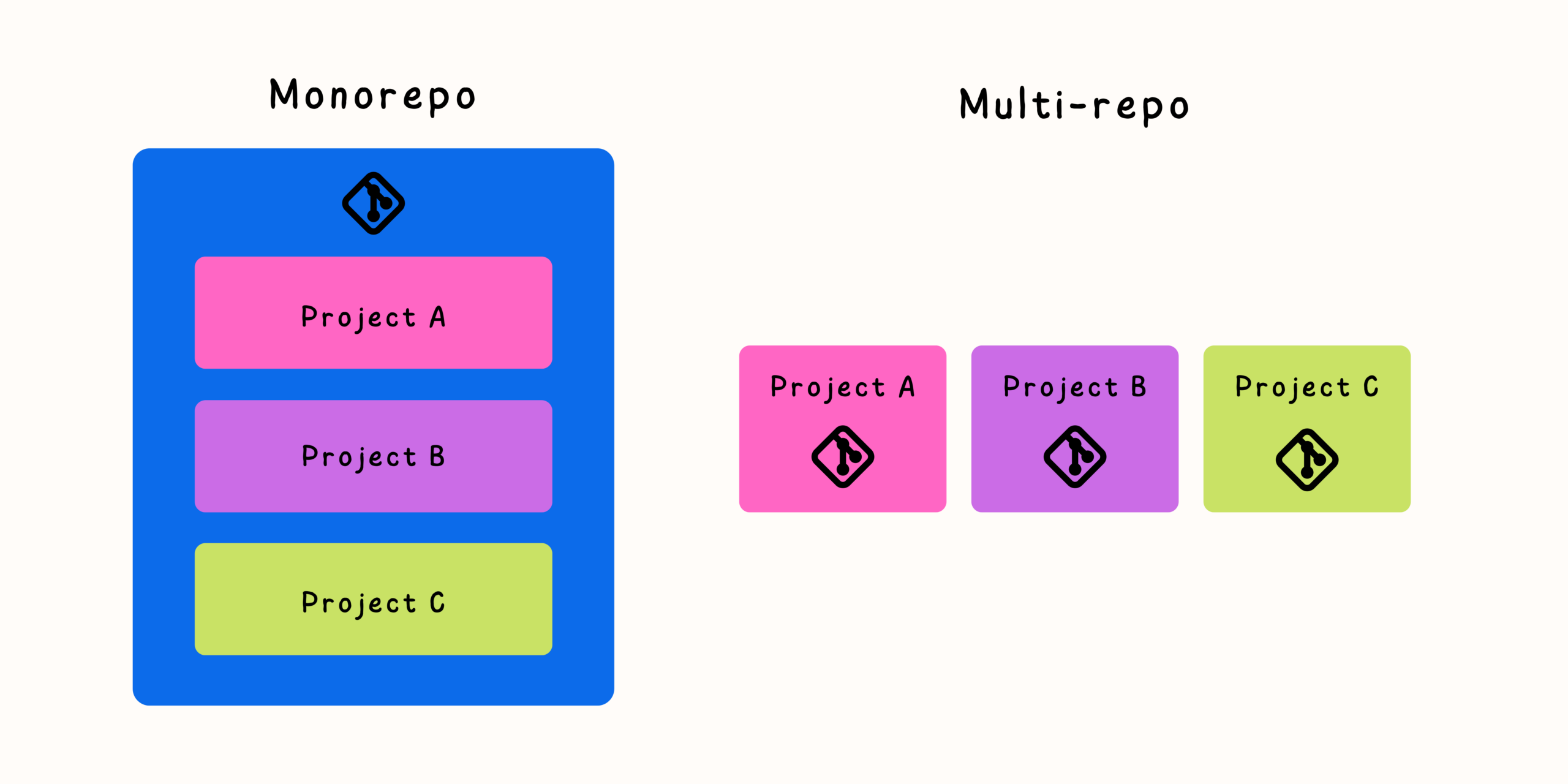
- Monorepositories for keeping multiple projects together in one codebase
Each approach solves the same general problem—sharing code between projects—but they create very different development workflows.
Choosing the right strategy depends on factors such as team size, release processes, dependency complexity, and how frequently projects change together.
Why Code Sharing Becomes a Challenge
In the early stages of a project, copying a small utility or component between applications may seem harmless. However, as systems grow, duplicated code creates long-term problems.
Common issues include:
- Multiple versions of the same logic
- Bug fixes applied inconsistently
- Difficult maintenance
- Slower feature development
- Conflicting changes between teams
A shared component should ideally have:
- Clear ownership
- A predictable update process
- Reliable version control
- Easy adoption by other projects
The right code-sharing approach creates these benefits without adding unnecessary complexity.
Understanding Git Subtrees
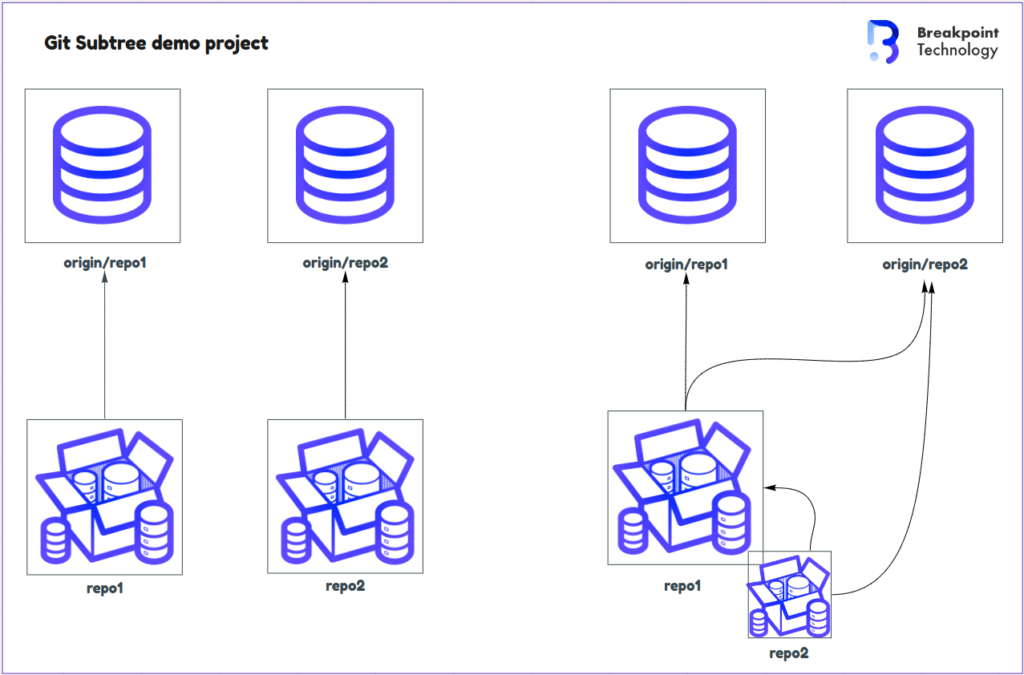
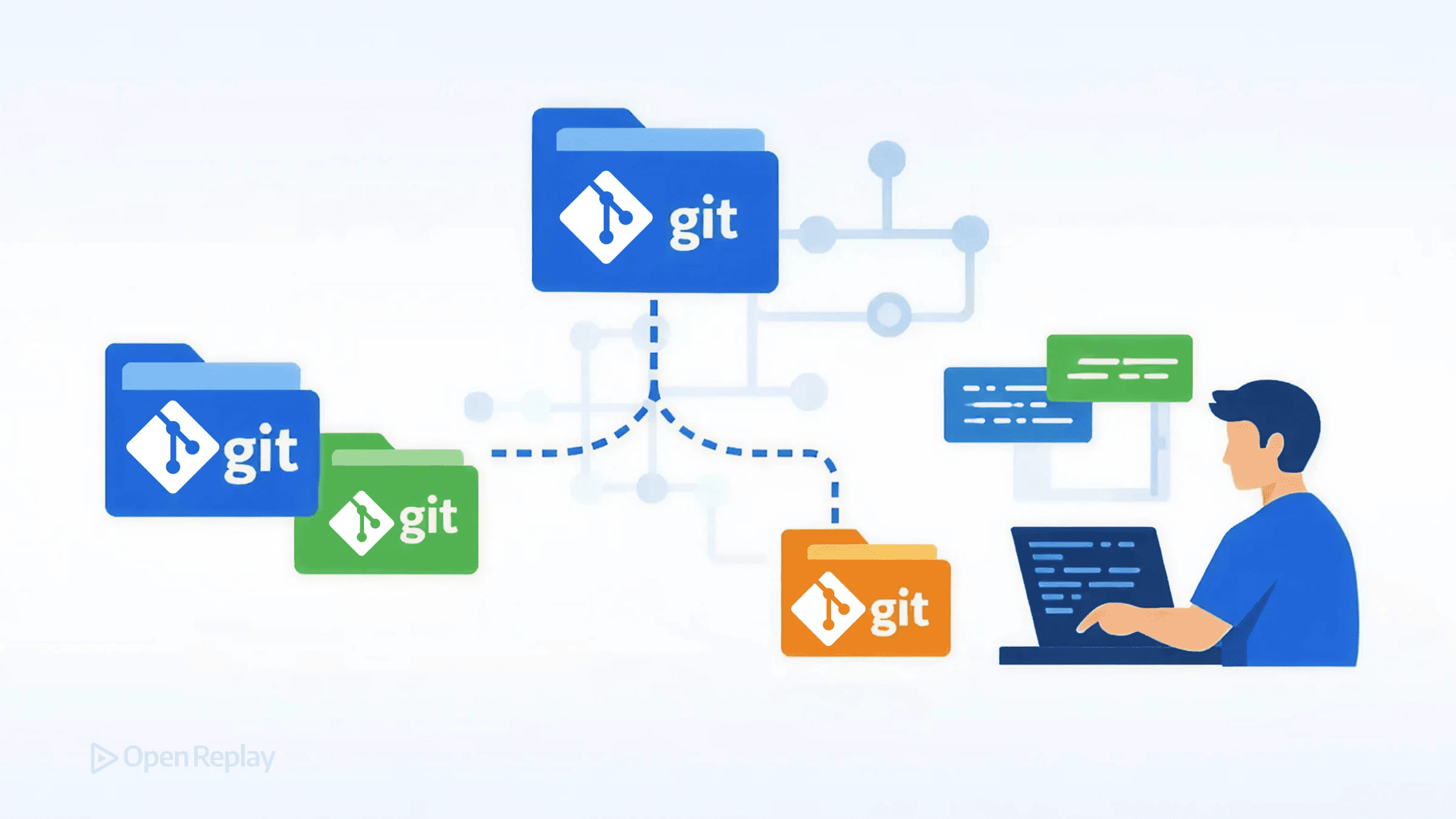
Git subtree is a Git feature that allows one repository to include another repository’s content as part of its own directory structure.
Unlike Git submodules, which store a reference to another repository, subtrees copy the actual files into the main repository.
A simplified structure may look like:
application/
├── src/
├── tests/
└── shared-library/
The shared library exists directly inside the application repository.
How Git Subtrees Work
A typical subtree workflow includes:
- Adding another repository as a subtree.
- Pulling updates when changes are available.
- Pushing modifications back when necessary.
Example commands:
git subtree add --prefix=shared-library <repository> main
Updating:
git subtree pull --prefix=shared-library <repository> main
The result is a single working tree that contains both projects.
Advantages of Git Subtrees
Git subtrees solve several problems associated with shared code.
Simple Developer Experience
Developers clone one repository and immediately have all required files.
There is no need to:
- Initialize dependencies
- Fetch additional repositories
- Manage nested Git states
This makes onboarding easier.
Independent History Preservation
Subtrees can preserve the history of imported code, allowing teams to understand where changes originated.
Better Build Simplicity
Because all files exist in one repository:
- Builds require fewer steps
- CI pipelines become simpler
- Local development is easier
Useful for Vendor Code
Subtrees work well when integrating external code that should live alongside the main project.
Examples include:
- Third-party tools
- Shared templates
- External libraries with modifications
Limitations of Git Subtrees
Although simpler than submodules, subtrees have trade-offs.
Updates Require Manual Synchronization
Teams still need a process for pulling and pushing changes.
If updates are forgotten, repositories can become outdated.
Duplicate Copies of Code
Each repository contains its own copy of the shared code.
This can create challenges when many projects use the same component.
Less Suitable for Rapidly Changing Libraries
If dozens of applications depend on a library that changes frequently, subtree synchronization can become difficult.
Understanding Package Managers
Package managers solve code sharing by treating reusable components as versioned dependencies.
Instead of copying code into projects, teams publish packages that applications consume.
Examples include:
- JavaScript packages
- Python packages
- Java libraries
- .NET packages
- Container images
The workflow looks like:
- A team updates shared code.
- A new package version is published.
- Applications update their dependency versions.
- Automated tests verify compatibility.
Advantages of Package-Based Sharing
Package managers are one of the most common solutions for reusable software components.
Clear Version Management
Packages provide explicit versions.
For example:
{
  "shared-library": "2.4.0"
}
Teams know exactly which version they are using.
Independent Release Cycles
A library can evolve separately from applications.
This enables:
- Dedicated maintainers
- Separate releases
- Controlled upgrades
Better Dependency Tracking
Package managers automatically handle:
- Installation
- Updates
- Compatibility rules
- Dependency trees
This reduces manual coordination.
Works Well Across Organizations
Packages are especially useful when code is shared between:
- Different teams
- Different products
- External customers
- Open-source projects
Limitations of Package Managers
Despite their popularity, packages introduce their own challenges.
Dependency Update Overhead
Applications must actively upgrade dependencies.
Older versions may remain in use for long periods.
Delayed Integration
A change may require:
- Publishing a package.
- Updating dependent projects.
- Testing compatibility.
- Releasing applications.
This can slow down coordinated changes.
Version Management Complexity
Teams must carefully manage:
- Breaking changes
- Semantic versioning
- Deprecation policies
- Migration paths
Understanding Monorepositories
A monorepository stores multiple projects inside a single Git repository.
Instead of distributing shared code, all related projects exist together.
Example:
company-platform/
├── applications/
│   ├── web/
│   └── mobile/
├── services/
│   ├── api/
│   └── worker/
└── packages/
    ├── ui/
    └── utilities/
Developers work with one unified codebase.
Advantages of Monorepositories
Monorepos have become popular among organizations managing large software ecosystems.
Atomic Changes
Developers can update multiple projects in one commit.
Example:
- Modify shared API
- Update frontend usage
- Update tests
Everything changes together.
Easier Refactoring
Large-scale improvements become simpler because developers can see and modify related code directly.
Centralized Tooling
Teams can share:
- Build configurations
- Testing tools
- Development environments
- Code standards
Improved Visibility
Developers can understand how different systems connect without searching across many repositories.
Limitations of Monorepositories
Monorepos also introduce challenges.
Repository Scale
Large monorepos require specialized tooling for:
- Faster builds
- Efficient cloning
- Dependency analysis
More Complex Permissions
Organizations need clear rules for:
- Code ownership
- Review requirements
- Team boundaries
Strong Engineering Practices Required
Without discipline, a monorepo can become difficult to maintain.
Git Subtrees vs Package Managers vs Monorepos
| Feature | Git Subtrees | Package Managers | Monorepos |
|---|---|---|---|
| Code location | Copied into repository | External dependency | Same repository |
| Versioning | Git-based | Package versions | Repository history |
| Updates | Manual synchronization | Dependency updates | Direct changes |
| Developer setup | Simple | Requires installation | Simple checkout |
| Independent releases | Limited | Strong | Usually coordinated |
| Large refactoring | Moderate | Difficult | Easier |
| Cross-team sharing | Moderate | Strong | Strong internally |
| Repository size | Increases | Smaller | Larger |
When to Choose Git Subtrees
Git subtrees are a good choice when:
- A dependency should be included directly.
- Simplicity is more important than independent releases.
- Shared code changes infrequently.
- Teams want one checkout experience.
Common examples:
- Templates
- Documentation
- Internal tools
- Vendor integrations
When to Choose Package Managers
Package managers work best when:
- Components have clear ownership.
- Libraries need independent versions.
- Teams consume code without modifying it frequently.
Common examples:
- UI component libraries
- Shared SDKs
- Internal frameworks
- Public libraries
When to Choose a Monorepo
A monorepo is often the right choice when:
- Projects evolve together.
- Teams frequently modify shared code.
- Large refactoring is common.
- Consistent tooling is important.
Common examples:
- Product platforms
- Full-stack applications
- Large internal systems
Hybrid Approaches Are Often the Best Solution
Many organizations combine multiple strategies.
A common architecture might include:
- A monorepo for tightly connected applications
- Package managers for stable shared libraries
- Separate repositories for independent products
- Subtrees for embedded external resources
The goal is not choosing one tool everywhere. The goal is matching the workflow to the type of dependency.
Final Thoughts
Git subtrees, package managers, and monorepos represent three different philosophies of code sharing.
Git subtrees prioritize simplicity by bringing code directly into a repository.
Package managers prioritize independence and controlled versioning.
Monorepositories prioritize collaboration and unified development.
There is no universal winner. The best approach depends on how often code changes together, how teams are organized, and how much independence different projects require.
A well-designed code-sharing strategy reduces duplication, improves collaboration, and allows development teams to move faster without creating unnecessary maintenance complexity.


Related Posts